
Is Your Data SafeWhen You Drop Off Your Computer?
By The Computer Solution · July 15, 2026
TL;DR
- Before any risky work, I make a full backup image of your whole drive first, keep it closed, hold it about four weeks to cover the guarantee, then destroy it.
- I need the login for your device to do and test the work. It is never stored online.
- I never want, ask for, or keep your online account passwords (banking, email). If one is truly needed, we do it live on the phone and nothing is saved.
- You are ultimately responsible for backing up your own data, the same way you keep more than one copy of your birth certificate.
- If I cannot fully back you up, I stop and call you before touching anything.
Handing your computer to someone can feel like handing over your whole life. Your photos, your documents, your logins, all of it lives on that one machine. That worry is real, and it is reasonable. So let me walk you through exactly what happens to your data when you leave a computer with me, in plain terms, including the things I will never need and never want.
The backup comes first, always
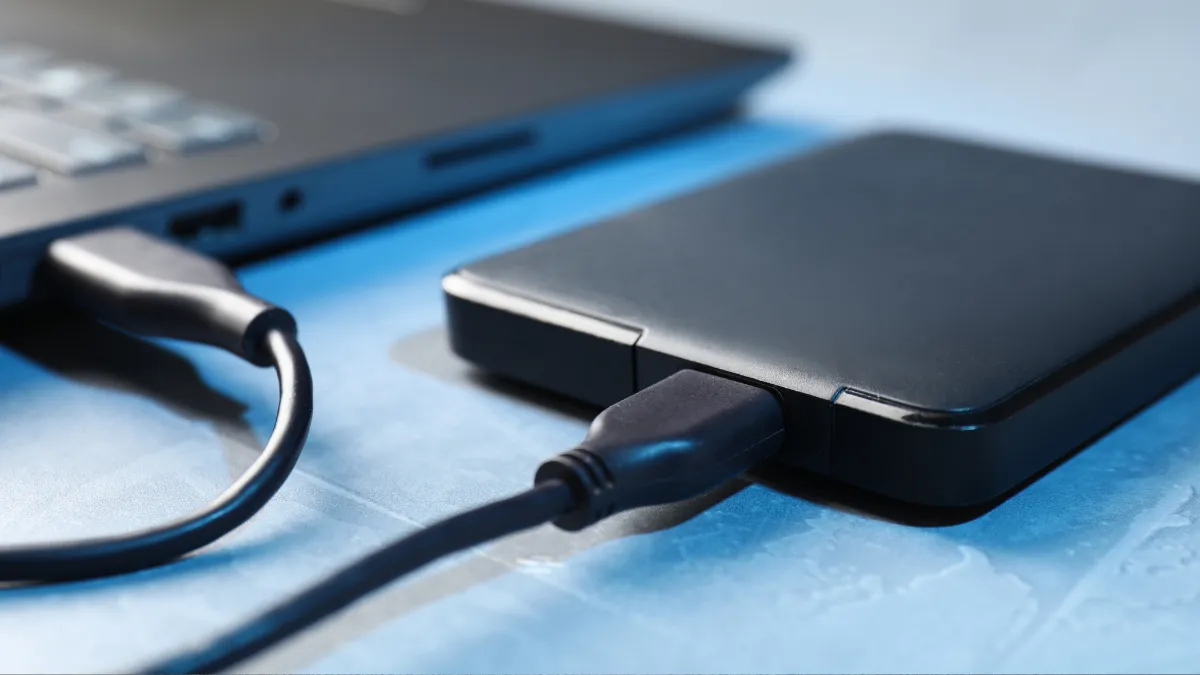
Any time the work I am doing could put your files at risk, a data backup, an operating-system reinstall, a failing hard drive, I make a full image of your entire drive before I begin. An image is a complete copy, everything exactly as it was. I store it on a separate drive of my own, I keep it closed unless I absolutely have to open it, and I hold it for about four weeks to cover the 30-day repair guarantee. After that window, the backup is destroyed. So there is always a safety net while your machine is in my hands, and it does not linger afterward.
What I need from you, and what I never will
If your computer has a sign-in (Windows usually does, a Mac always does), I need that login to get in and do the work, and to test it before it goes back to you. Even a simple battery replacement needs a real sign-in so I can run a proper power test. That device login is never stored online, and anything I do have to hold sits in a passkey-protected account.
Your online account passwords, though, like banking or email, are a different story. I do not collect, log, save, or keep them, ever. On the rare job where one is truly needed, we do it together, live over the phone while you watch, and nothing is written down or stored.
Honestly, if you ask me about digging through your data, or you offer me your email password, I will most likely tell you: “I don’t want that kind of responsibility.” Because I truly don’t. I do not want to be responsible for sorting through your files or reading your emails. I have neither the time nor the interest. My job is to fix your computer and hand it back, not to go through your life.
Where responsibility really sits (the honest part)
Here is the part I want to be straight with you about, because it matters. As the owner of your computer, you are ultimately responsible for backing up your own data and keeping that backup healthy. Think of it the same way you handle your most important papers. You keep more than one copy of your birth certificate, your Social Security card, your marriage license, your deeds. Losing the only copy is unthinkable, so you never keep just one.
Your data is exactly the same. If there is only one copy of it, you are one spilled coffee, one dropped laptop, or one worn-out drive away from losing it forever. That is why I lean on it, and why my written terms are clear: I cannot be responsible for data that was never backed up in the first place. If you want the plain-English how-to, here is my guide to backing up your data.
The one thing only you can do
Keep your own backup. A second copy of your files, somewhere other than your computer, is the single best protection there is. My backup covers your repair; your backup covers your life. Start with your photos and documents, the things you can never get back.
What happens if something goes wrong
Say I go to make that full backup and, for some reason, I can’t get a complete one. Here is exactly what happens: I stop, and I call you right away. We talk it through together and you decide how you want me to proceed to keep your data safe. You are never left out of a decision that big.
And through the whole repair, I stay in touch at every step that matters. So if there is a stretch where you haven’t heard from me, that is not me forgetting about you. It is me having nothing important to report. When I go quiet, it is because everything is going the way it should. No news is good news, so keep breathing.
The bottom line
A trustworthy shop backs up before it takes any risk, needs only the access the job actually requires, and never wants a thing to do with your private accounts. That is how I work, every time. When you are ready, check in your computer here, or if a drive has already failed, this is where data recovery starts. Either way, your data is treated like it’s exactly what it is: yours.
Got a computer problem in Durango?
Free assessment, honest answers, you only pay when it’s solved.