
Windows 10 Is Done. Here’s What That Actually Means for You.
By The Computer Solution · June 30, 2026
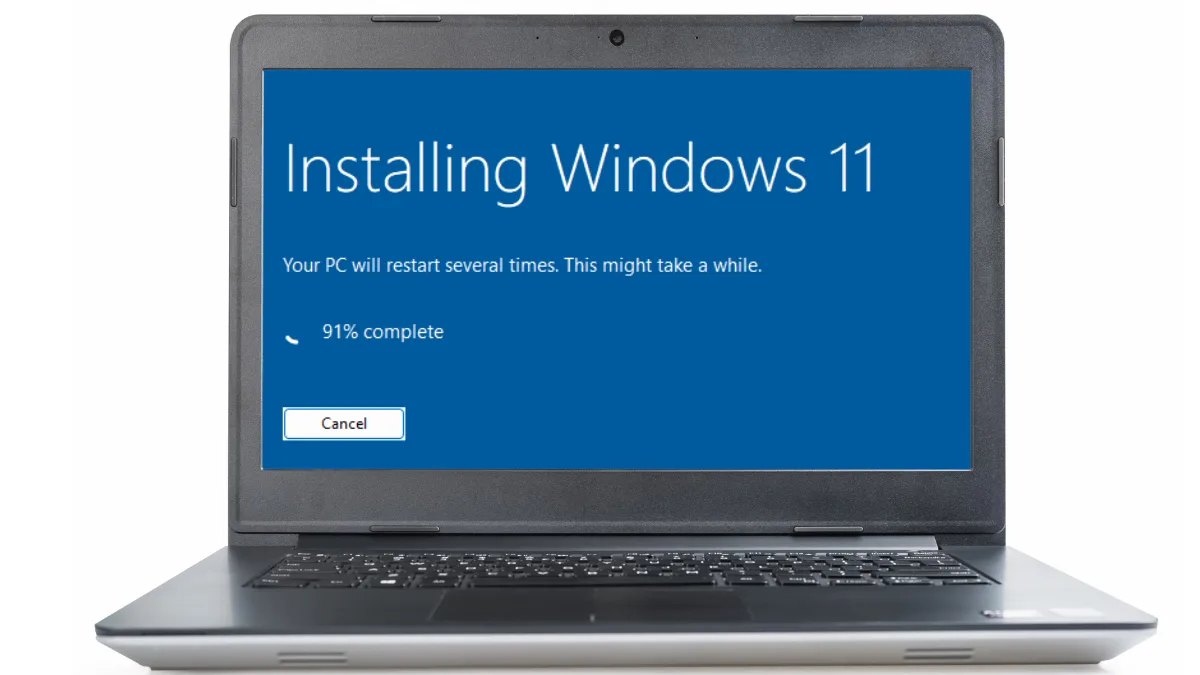
TL;DR
- Microsoft stopped supporting Windows 10 on October 14, 2025. Your computer still works; it just stops getting security updates, and that risk grows over time.
- You have two real options: upgrade to Windows 11 (if your PC can run it) or replace the machine.
- Finding out whether your PC can run Windows 11 is a free assessment. Just call.
- If it’s eligible, the upgrade is a full OS install: I back up your data, install Windows 11, restore everything, and optimize it.
- If your PC is older than 2018, it can’t run Windows 11, no exceptions. That makes it a repair-or-replace conversation.
- Buy your next computer through us and the setup and data transfer are free, no upcharge.
- You can pay Microsoft to extend Windows 10 a while longer. I don’t recommend it.
- Whatever you decide, you get the honest math first, not a sales pitch.
If you’re running Windows 10, you’ve probably seen the warnings: Microsoft ended support on October 14, 2025. Let me cut through the noise and tell you what that actually means for you, and the honest options you have, without the scare tactics.
What “end of support” actually means
First, the good news: your Windows 10 computer didn’t turn into a brick on October 14, 2025. It still turns on, and it still runs your programs. What changed is that Microsoft stopped sending security updates. Every month that passes, new vulnerabilities get found and never patched, so the machine slowly becomes a softer target, especially for anything involving your banking, passwords, or personal information. It’s not an emergency. It is something to handle this year rather than ignore.
Option 1: Upgrade to Windows 11
If your computer is new enough, the cleanest answer is to move to Windows 11. The first step costs you nothing: call and I’ll check whether your machine is eligible. Assessments here are always free. If it passes, the upgrade is a full operating-system install, which means I do it right, back up your data first, install Windows 11, restore your files and settings, and optimize the machine so it actually runs better on the other side, not just different.
The one hard line: 2018
Here’s the rule there’s no getting around: if your PC is older than 2018, it can’t run Windows 11. That’s a hardware limitation, not something a repair or a workaround fixes. For those machines, the honest move is to start planning a replacement.
Option 2: Replace it, the right way
If your computer can’t make the jump, this becomes a repair-or-replace decision, and I won’t guess at it. We’ll have the conversation and run the honest math, the same $150-per-year framework I use for every aging machine, so your next move is actually worth the money and fits your budget.
When it’s time for a new one, I’ll match you to a computer that fits your needs and your budget instead of upselling you. And here’s the part the big-box stores charge for: buy your computer through The Computer Solution and the setup and data transfer are free, no upcharge. Prefer to buy it elsewhere? I’ll still set it up for you.
The option I don’t recommend: paying to extend Windows 10
You may run across Microsoft’s paid program to keep getting Windows 10 security updates for another year or two. I’ll be straight with you: I don’t recommend it. Windows 11 has been out for nearly five years now and has matured a lot. Paying to rent more time on an operating system that’s already retired is, in my opinion, just delaying the inevitable. If you’ve been holding out, it’s time to let Windows 10 go.
The honest bottom line
Two paths, and you’ll get the honest one for your situation, not a sales pitch. If you’re not sure whether your computer can run Windows 11, the assessment is free. Call The Computer Solution and we’ll figure out your best move together.
Got a computer problem in Durango?
Free assessment, honest answers, you only pay when it’s solved.