
Your Printer Says It’s Offline.It Probably Isn’t.
By The Computer Solution · September 9, 2026
TL;DR
- Offline is your computer guessing, not your printer reporting. The printer is usually fine.
- What actually happened is that the printer’s address on your network changed and nothing told your computer.
- Work cheapest first: power cycle, uncheck Use Printer Offline, clear the queue, confirm the same Wi‑Fi.
- Print from the printer’s own buttons. That one test cuts the problem in half.
- If it keeps coming back every few weeks, it can be fixed permanently rather than repeatedly.
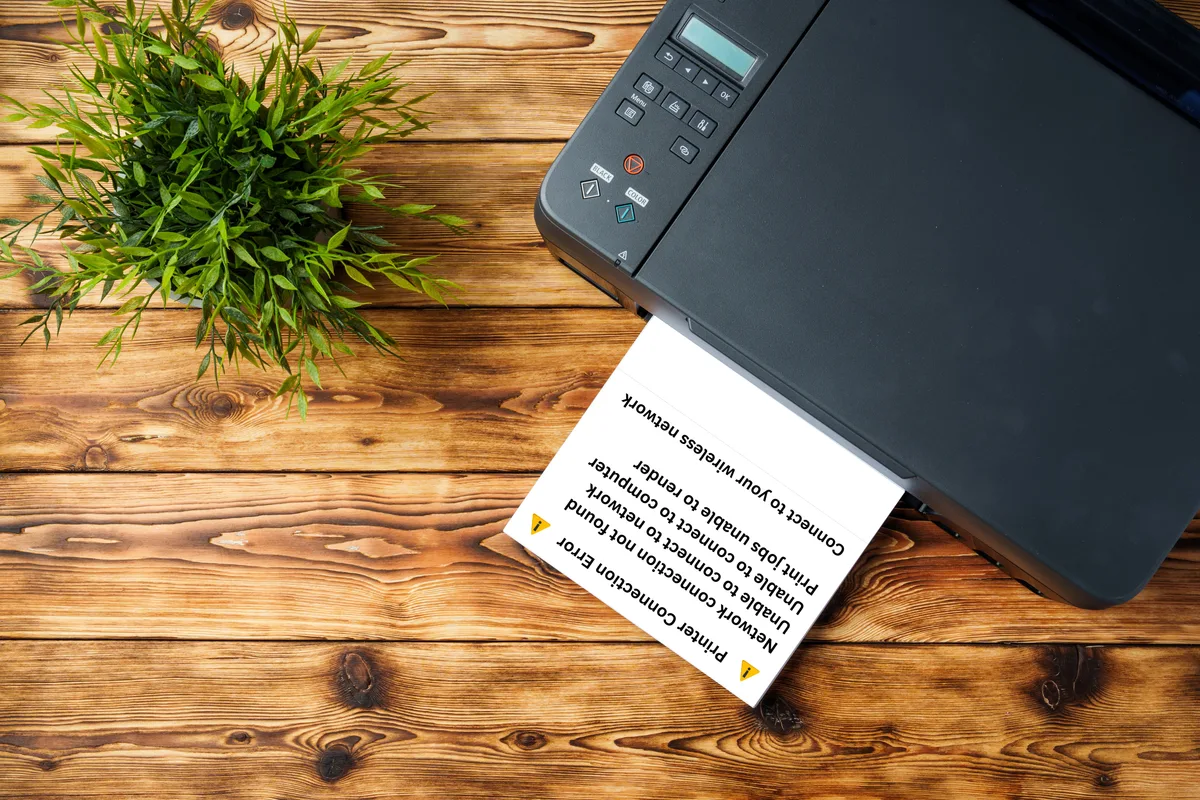
Your printer is sitting right there. It has power. The light is on. You can see it from where you are standing. And your computer is telling you it is offline.
That word is doing a lot of damage, because it sounds like a verdict. It sounds like the printer is gone, dead, or about to need replacing.
It almost never means any of that.
What offline actually means
Here is the part nobody explains. Offline is not a message from your printer. Your printer did not report in and say it was unwell. Your printer said nothing at all, which is exactly the problem.
Offline is your computer’s conclusion after it went looking for the printer and did not find it. It is a guess, and it is worded like a diagnosis.
Think of it like calling a friend whose number changed. You dial, nobody answers, and you conclude something is wrong with your friend. Nothing is wrong with your friend. You have the wrong number.
That is the whole situation, almost every time. The printer is fine. The computer is looking in the wrong place.
Work through it cheapest first
This is the order I actually use, and it is deliberately in order. Each step costs less time than the one after it, so do not skip ahead.
1. Turn the printer off, count to thirty, turn it back on. Not a quick flick. The wait matters, because it gives the printer time to actually let go of its old network connection instead of picking the same broken one straight back up. This alone fixes a good share of them.
2. Uncheck Use Printer Offline. Windows has a setting that puts a printer into offline mode on purpose, and once it gets switched on it stays on. Open your printers list, find yours, open the print queue, and look in the Printer menu for Use Printer Offline. If it has a check mark next to it, that check mark is your entire problem.
3. Clear out the stuck jobs. If you have tried printing six times, there are now six jobs in the queue, and the one at the front may be jammed and blocking everything behind it. Cancel all of them, then try one fresh page. A queue full of failed attempts can keep a printer looking broken after the real fault is already fixed.
4. Check they are on the same Wi‑Fi. This one catches a lot of people and it is not their fault. Many routers put out more than one network name, often a main one, a guest one, and sometimes a separate name for the faster band. If your laptop is on one and your printer is on another, they cannot see each other, even though both are working perfectly. Look at the network name on your computer and the network name on the printer’s screen and make sure they match exactly.
5. If it is still offline, the address moved. That is the next section, and it is also the reason this keeps happening to you.
Why it keeps coming back
If your printer goes offline, gets fixed, and then does it again a few weeks later, you are not doing anything wrong and the printer is not failing. There is a real mechanism behind it.
Your router gives every device an address, and it gives it out on a loan. Not permanently. It hands your printer an address and says, this is yours for a while. When that while runs out, the router may hand back the same one, or it may hand back a different one, depending on what else has connected since.
Your computer was never told. It still has the old address written down, so it dials the old number, gets nothing, and reports the printer offline.
That is why turning things off and on fixes it. You are not repairing anything. You are forcing everyone to re-introduce themselves.
And it is why the fix does not last. The next time that loan expires, you are back where you started.
The permanent version is to tell the router that this particular printer always gets the same address, every time, forever. Then there is no moving number and nothing to lose track of. It is a settings change, it takes a few minutes, and most people have never been told it was an option.
One test that cuts the problem in half
Before you spend another minute on your computer, go to the printer and print a test page using the printer’s own buttons. Most printers can do this from their menu without any computer involved at all.
If it prints, your printer is healthy. The ink is fine, the mechanism is fine, and the fault is somewhere between the computer and the printer. That is the cheaper half of the problem and usually the faster one to fix.
If it will not print from its own buttons, stop chasing your computer. Nothing you change on the computer will help, because the printer cannot print at all right now.
Two minutes, no cost, and it tells you which half of the problem to work on. I do this before almost anything else.
When it prints, but it prints badly
Sometimes offline is not the issue at all. The page comes out, it just comes out wrong. Streaks, a missing color, bands down the page, or text you can smudge with your thumb.
Those symptoms are readable, and each one points at something specific. I built a free printer test page you can print right from your browser, with color bars, a grayscale ramp, fine lines and text at several sizes, plus a plain-English guide to what each fault is telling you. There is a PDF version there too, because a PDF prints more predictably than a web page does.
It is free, there is nothing to sign up for, and you are welcome to use it whether or not you ever call me.
When the printer really is finished
Sometimes it is genuinely done, and I would rather say so than take your money.
If it is grinding, if it is pulling paper crooked no matter what you do with the guides, or if it will not print from its own control panel after a full power cycle, the hardware is the problem.
And here is the honest part. On an inexpensive inkjet, the repair is often not worth doing. A set of replacement cartridges can cost close to what the printer cost, and the labor to fix a mechanical fault costs more than both. I will tell you that plainly rather than quietly billing you toward a number that stops making sense. It is the same call I make on whether a computer is worth repairing, for the same reasons.
If you would rather just have it working
Plenty of people can follow the steps above and get there. Plenty of others would rather it was simply handled, and that is a completely reasonable thing to want.
On-site printer, network and Wi‑Fi setup is a flat $127, whether it takes me fifteen minutes or a full hour. There is no clock running, which means you can ask me the second question, and the third one, without watching a meter. While I am there for the printer, I will set it up so the address stops moving, so this does not become an every-few-weeks event.
If your printer is still reachable on your network and it is only the computer that has lost the thread, that is often something I can sort out remotely without coming out at all. If the printer has dropped off the network entirely, that one needs me in the room.
Either way, the printer you are about to give up on is very probably fine.
Got a computer problem in Durango?
Free assessment, honest answers, you only pay when it’s solved.